July 26, 2026 · 5 min read
The 5 Best Progress Photo Apps in 2026 (iOS & Android)
Full disclosure before anything else: Body Tracker is our app. This comparison still names real alternatives, links to them, and lists our own limitations — because the right app depends on what you need.
What actually matters in a progress photo app
Two photos can only be compared if they were taken the same way. Whatever app you pick, check four things:
- An alignment aid — a pose guide or "ghost" overlay of the previous photo, so framing stays identical.
- Context attached to each photo — weight and measurements next to the image, not in a separate note.
- Reminders — consistency beats motivation; a quiet nudge every week or two does the work.
- A clear answer on privacy — these are photos of your body in underwear. Where are they stored, and who can access them?
1. Body Tracker — complete tracking that never leaves your phone
iOS and Android · tracking is free · AI review as a paid option
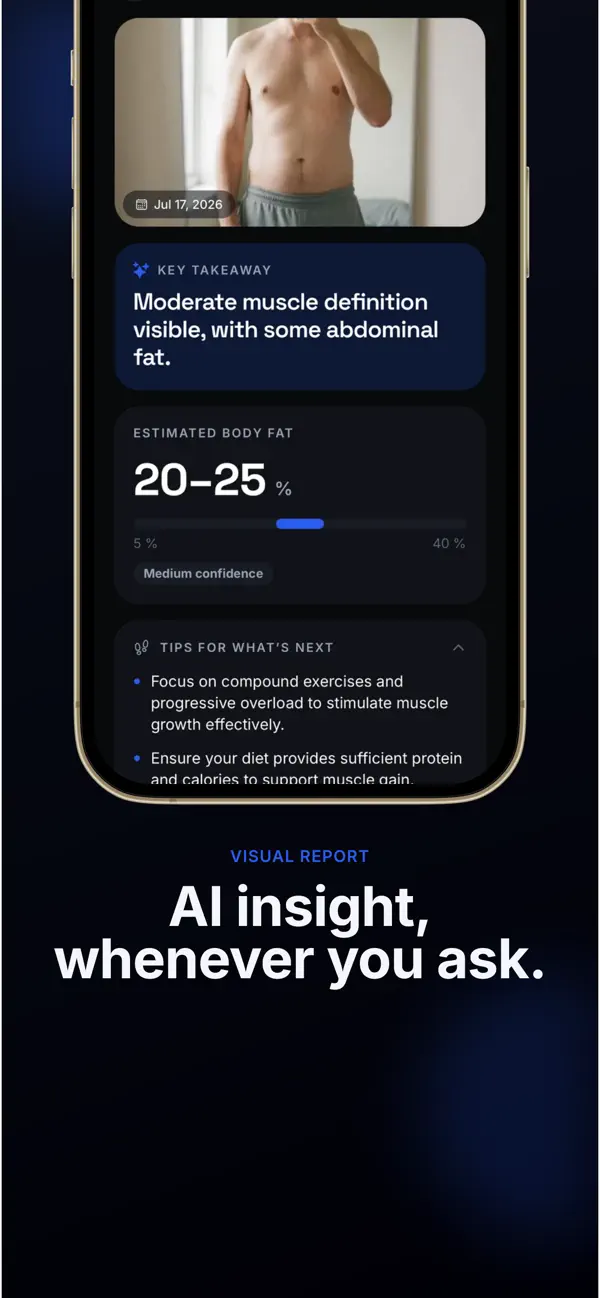
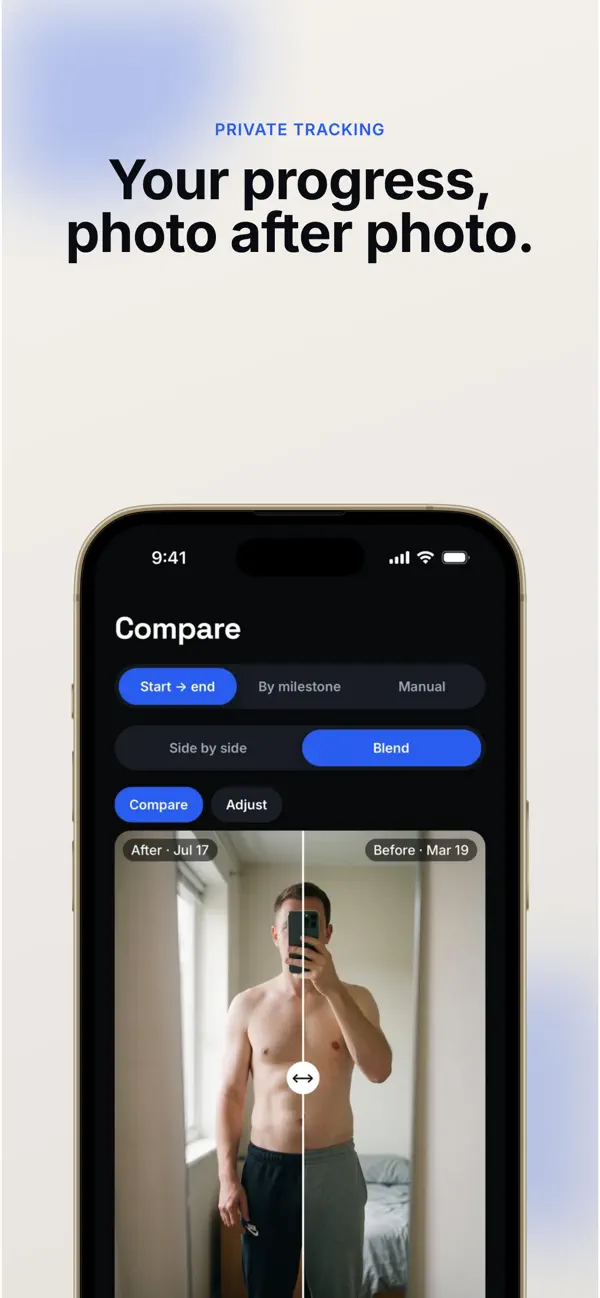

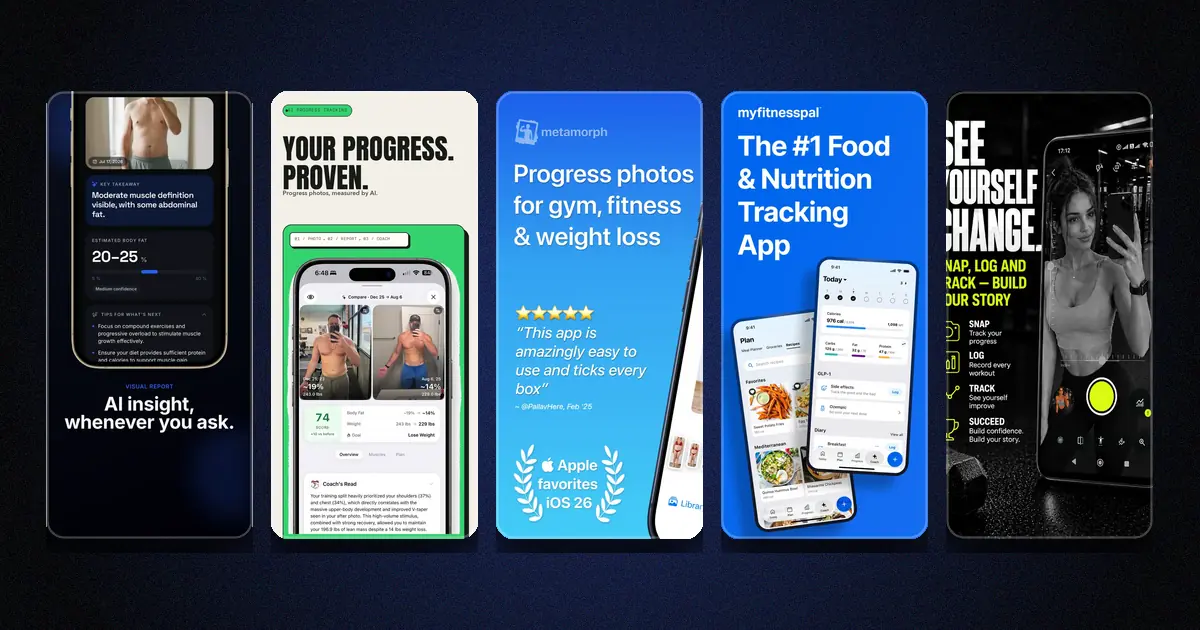
Body Tracker's official App Store screenshots (July 2026).
Body Tracker is built local-first: photos, weight and measurements live in a database on your device, protected by your phone's encryption — no account, no server, and it works fully offline. A pose guide keeps your framing identical from one session to the next, two dates compare side by side or as an overlay blend, and reminders run at the pace you choose.
The paid part is a single feature: the AI "Visual review", which estimates body composition from a photo — always as a range, never a single number — and describes the visible change between two shots. The photo is sent only when you tap Analyze, and our server does not keep it.
Honest limits: local-first means no built-in cloud sync — if you switch phones, your data travels with your phone's own backup, not with an account. And the AI review requires the premium subscription.
2. GainFrame — the deepest AI analysis, on iOS
iOS · free with a Pro subscription
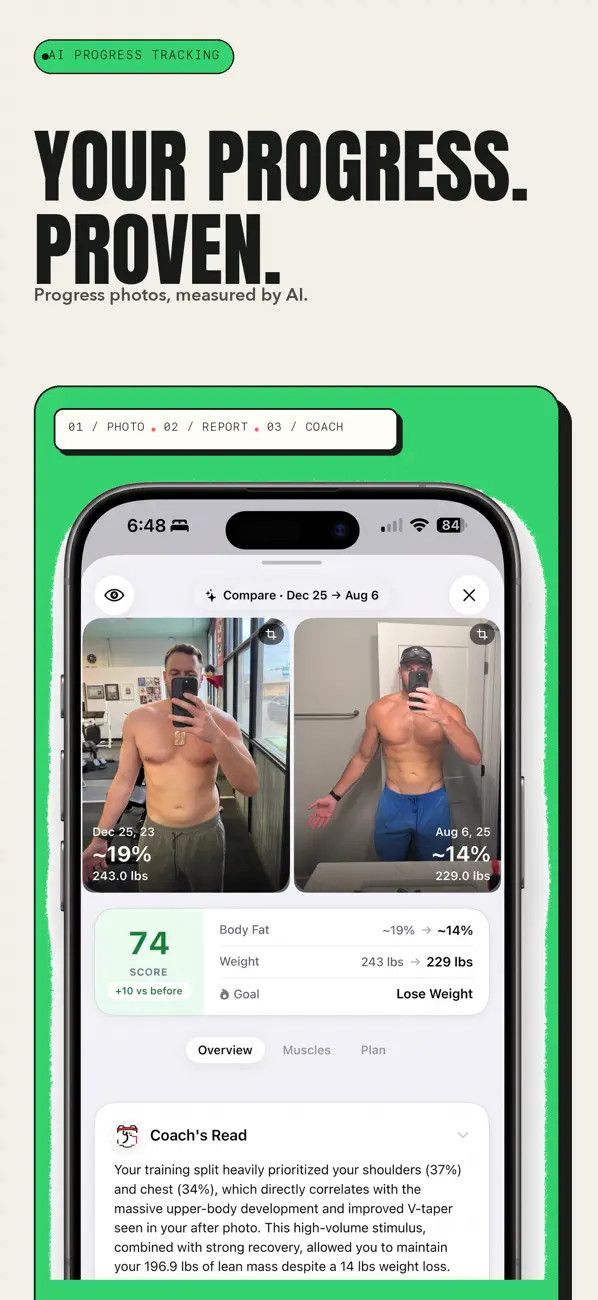
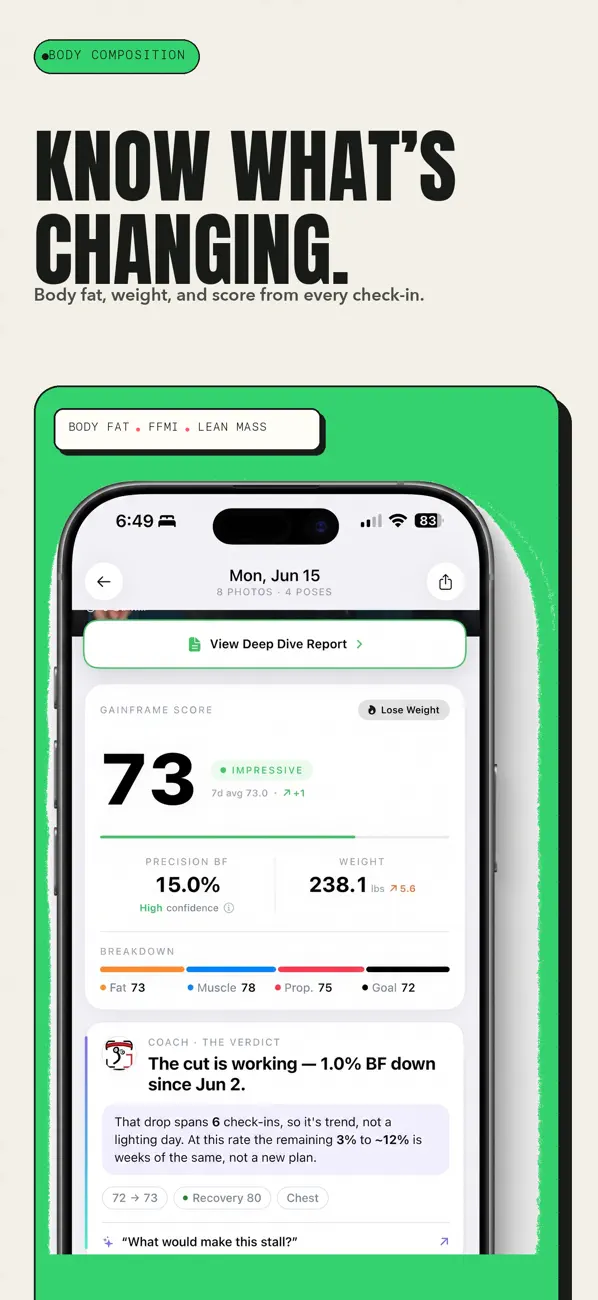
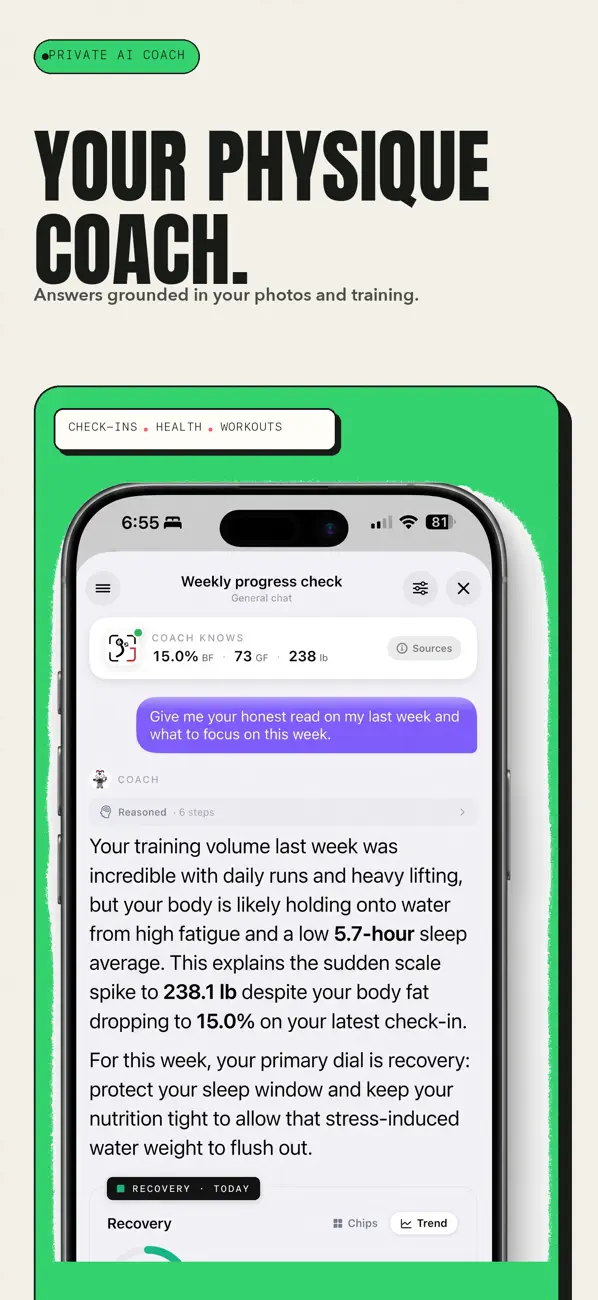
GainFrame's official App Store screenshots (July 2026).
GainFrame turns each photo into an AI body-composition analysis: body-fat estimate, muscle-group scores, and trends over time, with a guided capture mode. If your main question is "what do my photos say about my body composition?", it is the most analysis-focused app of this list.
Honest limits: it is iOS-only, and by its own documentation the analysis needs photos with minimal clothing to work well. Photo analysis is the product — if you only want a private photo journal, it is more than you need.
3. Metamorph — the best-looking before/afters, on iPhone
iPhone · one-time purchase options vary — check the App Store listing
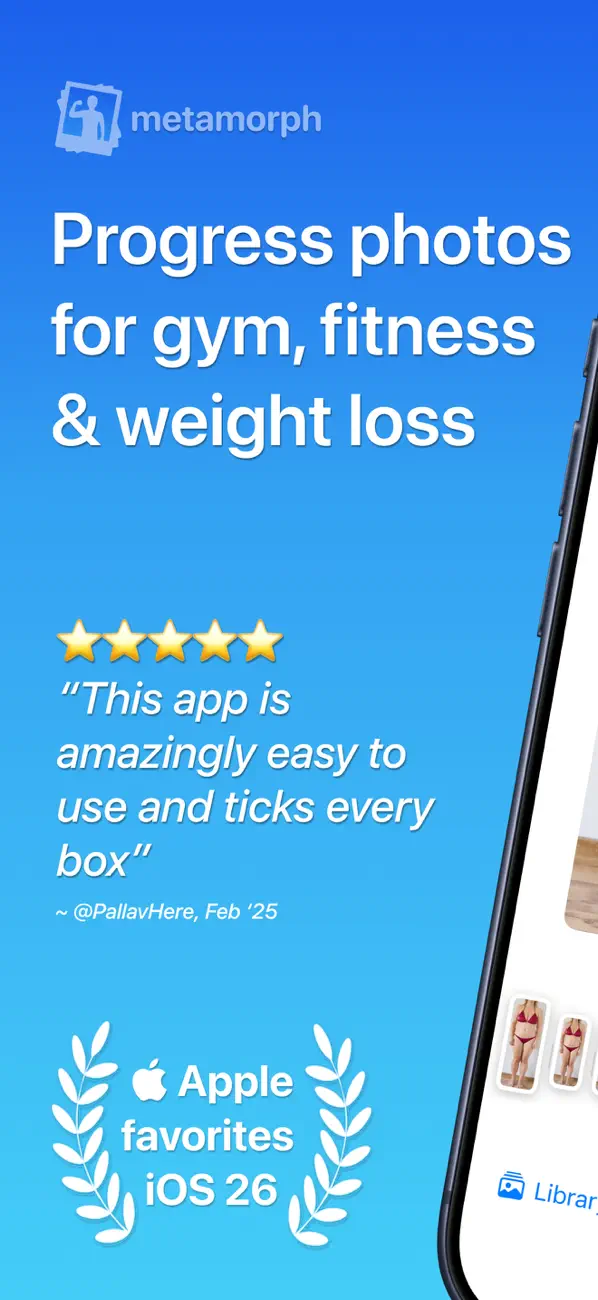
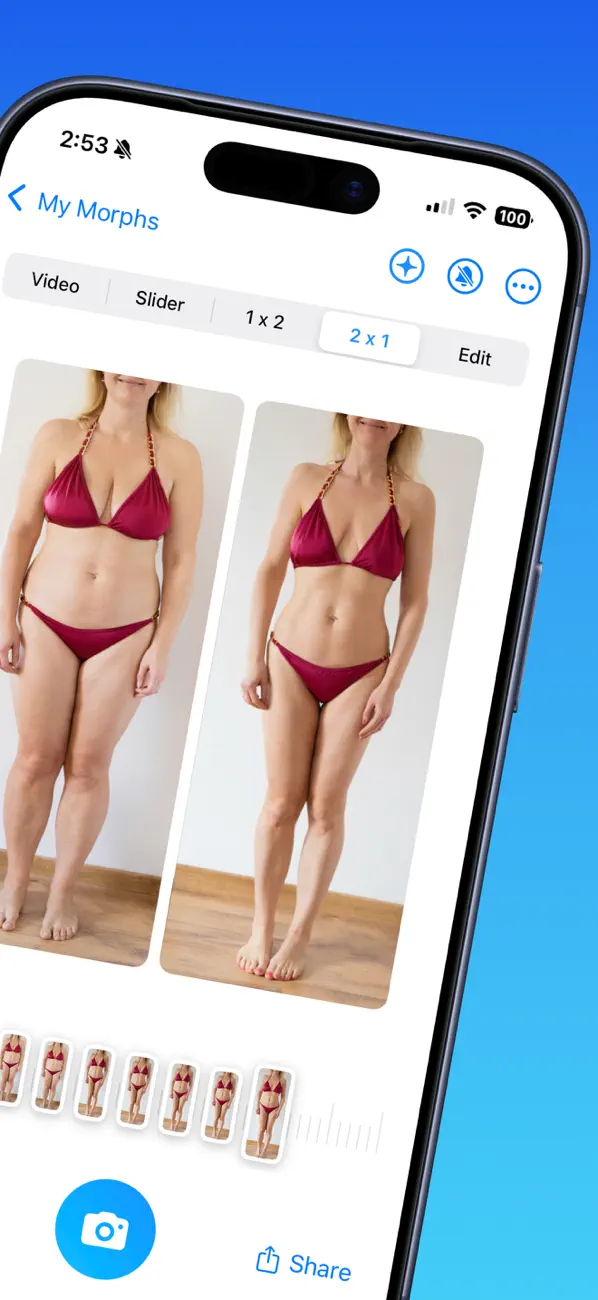
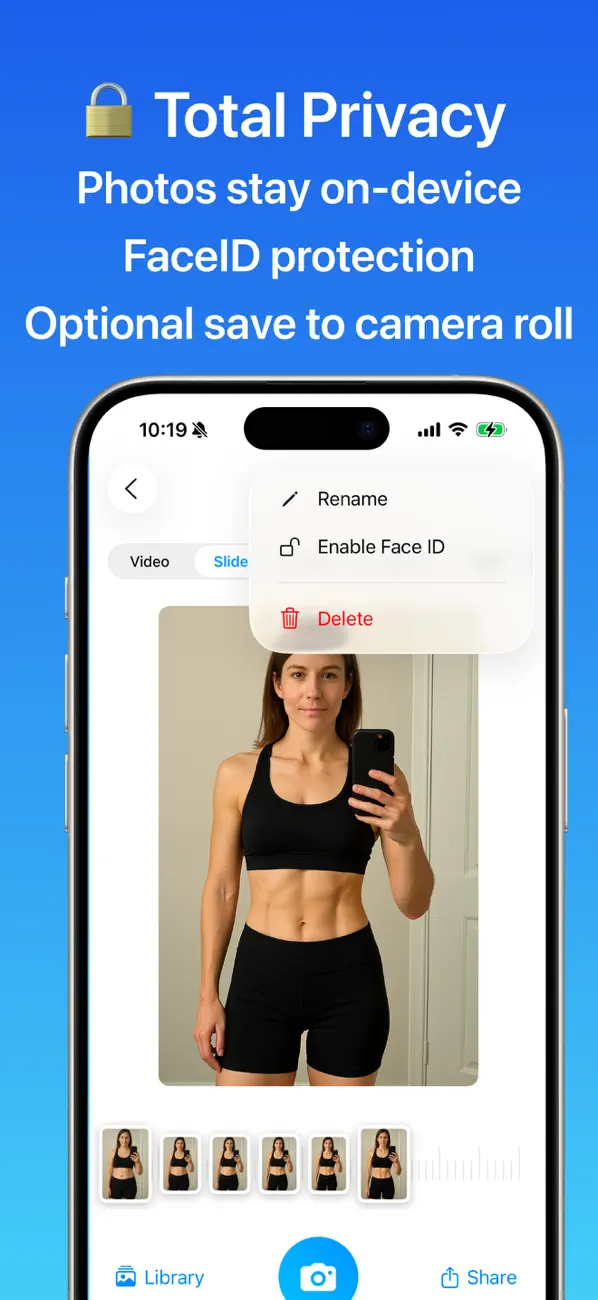
Metamorph's official App Store screenshots (July 2026).
Metamorph focuses on the photos themselves: a ghost overlay of your previous shot for alignment at capture time, several tracking series, and exports as before/after videos, GIFs or side-by-side images. The developer states that photos never leave the device.
Honest limits: iPhone-only, and it is a photo tool first — weight, measurements and reminders are not the center of the app.
4. MyFitnessPal — if the diary already exists
iOS and Android · free with Premium
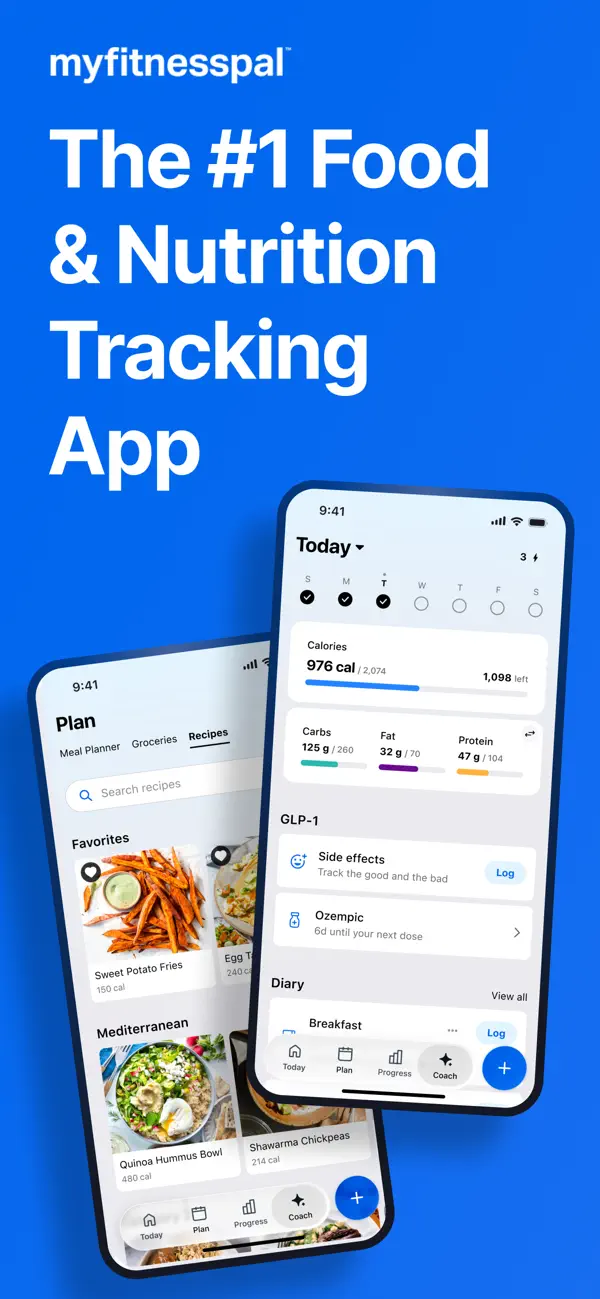
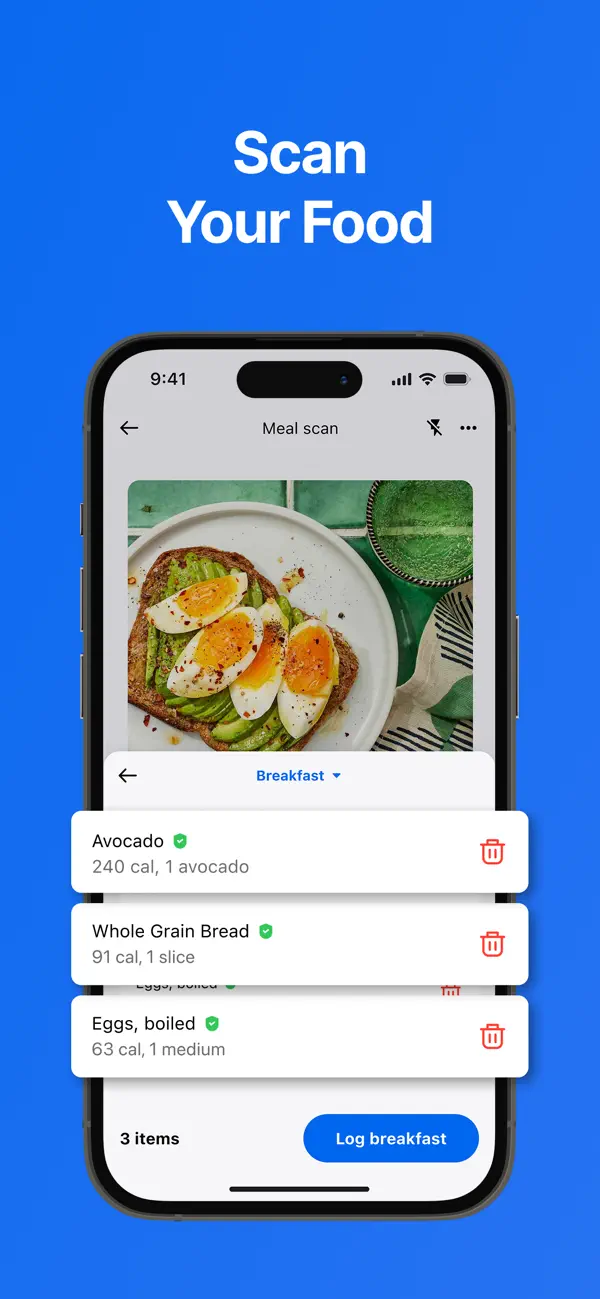
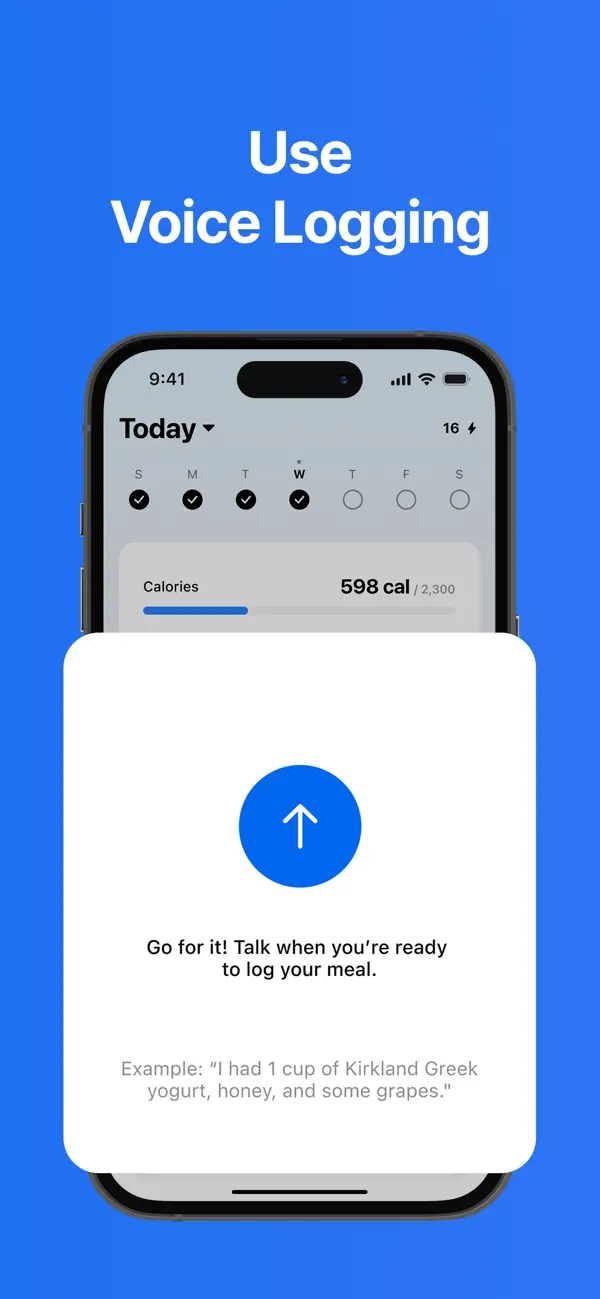
MyFitnessPal's official App Store screenshots (July 2026).
If you already log meals and weight in MyFitnessPal, attaching progress photos to that diary is the path of least resistance — one app, one habit.
Honest limits: photos are a side feature. There is no standardized framing help and no dedicated comparison view, so photos taken months apart are hard to compare honestly.
5. Fitness Camera — an Android alternative
Android · free with in-app purchases
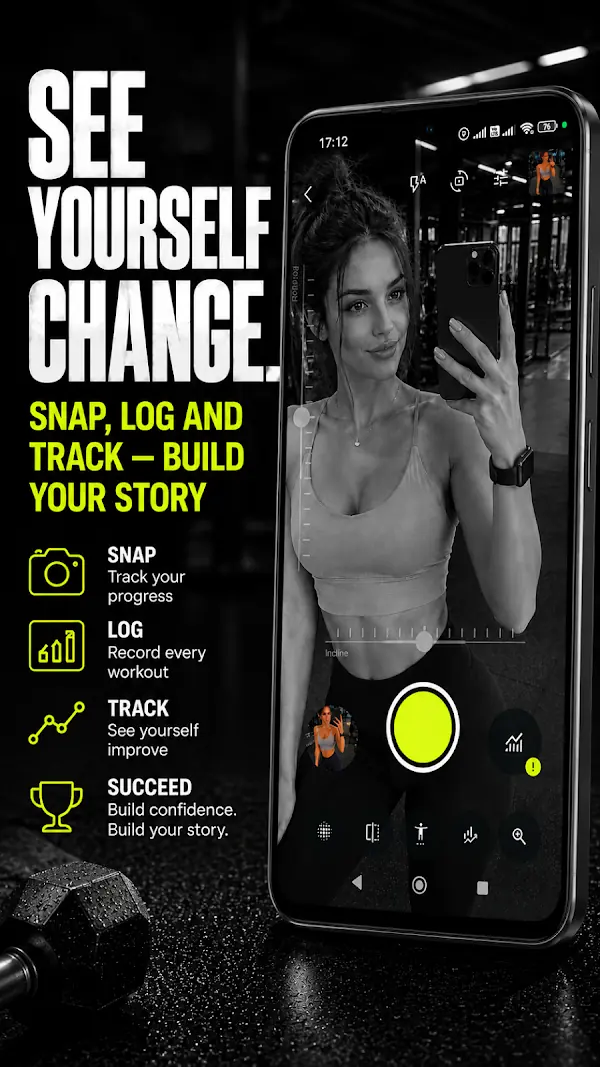
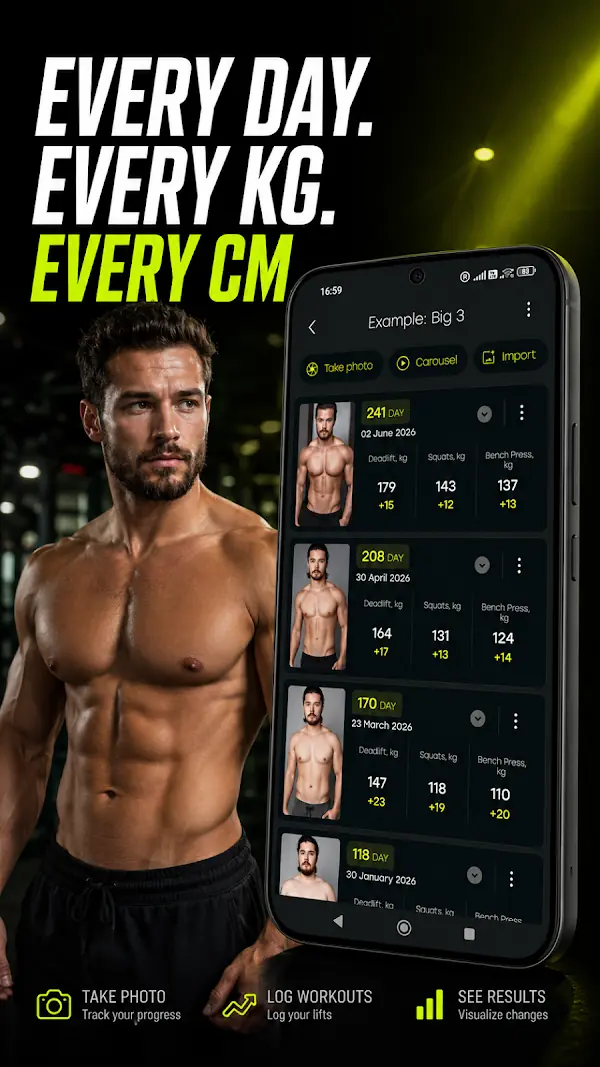
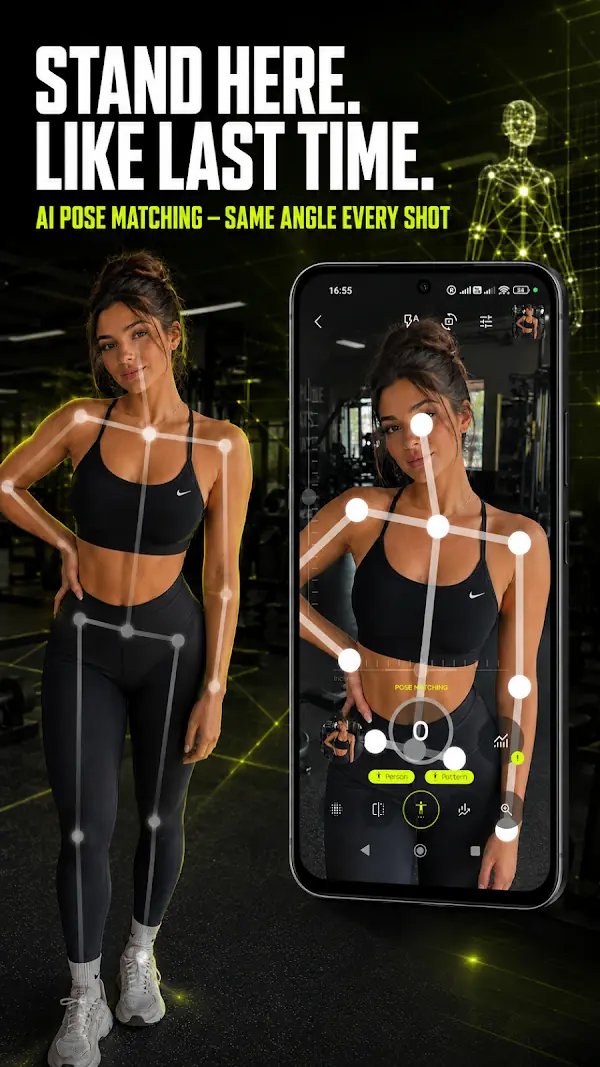
Fitness Camera's official Google Play screenshots (July 2026).
Fitness Camera pairs progress photos with weight and measurement logging — waist, hips, chest — and turns them into progress charts, per its Play Store listing.
Honest limits: Android-only, and the privacy model is less explicit than a strictly local-first app — read the listing before storing sensitive photos.
How to choose
- You want everything in one free, private app, on either platform → Body Tracker.
- You want AI analysis as the main feature and use iOS → GainFrame.
- You mainly want shareable before/after exports → Metamorph.
- You already live in MyFitnessPal → keep it simple, stay there.
Whichever you choose, the photos only work if they are taken consistently — same pose, same light, same framing. Our guide to taking progress photos covers the whole method.